How to Run a P&L Betting League With Your Mates
31 August 2026
Every group of friends has someone who says they are up for the season. Very few of them can prove it. A P&L League fixes that: everyone records their own bets, settles them honestly, and the table works out who is genuinely in profit.
CommunityBet does not take bets and never holds money. You keep betting with your own licensed bookmaker exactly as you do now. All the app does is remove the admin and keep an honest record.
What a P&L League actually is
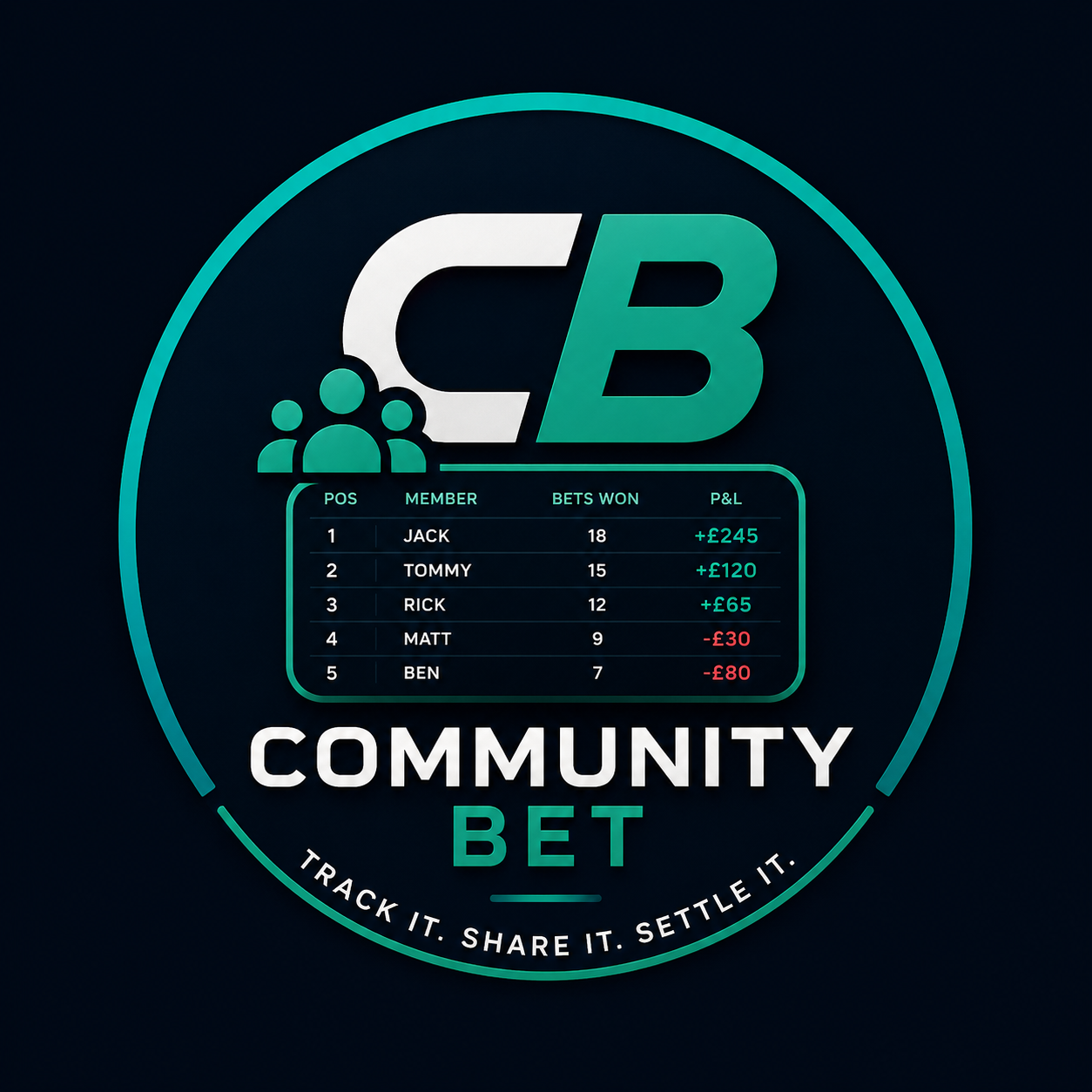
A Results League ranks people on predictions. A P&L League ranks them on money. Each member adds the bets they place in their own accounts — stake, selections, odds and potential return — and then settles each one once the result is in. The league table shows total staked, total returned, net profit or loss, and return on investment.
Two numbers do the heavy lifting:
- Net P&L = what came back minus what went on. Simple, and the one everyone argues about.
- ROI = net P&L divided by total staked, as a percentage. This is what stops the person staking £200 a week from beating the person staking £5 a week by volume alone.
Both are always shown, so a big-stakes punter and a careful one can be compared fairly.
Step 1: create the league
From the P&L Leagues area choose New league and set:
- A name and, if you want, a short description.
- Whether it runs to an end date or ongoing.
- Ranking method — net profit or ROI as the headline.
- Minimum settled bets to qualify — five is a sensible default. It stops one lucky accumulator topping the table forever.
- Figures visible to members — on for most groups, off if you would rather only show positions.
You get an invite code to share. Anyone who joins with it becomes a member and can start adding bets straight away. A league can sit inside an existing community or stand on its own.
Step 2: upload your bet slip
Tap Add bet, take a photo of your slip or upload the screenshot, and the app reads it for you. The scan pulls out the selections, the bet type, the odds, the stake and the potential return, then fills the form in so you only have to check it.
Two habits worth getting into:
- Crop before you upload. Hide account names, balances and reference numbers. Nobody in the league needs to see your bankroll.
- Upload before kick-off. A slip added after the first event has started is recorded, but permanently labelled a late upload so the group can judge it for itself.
If the scan gets something wrong, edit the field before saving. If you would rather type everything in by hand, you can — the scan is a shortcut, not a requirement.
Step 3: settle the bet
A new bet sits as Open. Its stake is recorded and its potential return is visible, but it does not touch anyone's P&L until it is settled. That is deliberate: a league table built on maybes is worthless.
When the result is in, open the bet and choose a status:
- Won — enter the amount that actually landed in your account, including your stake.
- Lost — the return is zero. Your stake is the loss.
- Void — your stake comes back. The bet nets out at zero and is left out of ROI, because it never really ran.
- Cashed out or partially cashed out — enter what you actually took, whatever the original slip said.
Free bets are handled properly too: mark the bet as a free bet, and the £0 stake counts towards profit without dragging your ROI around.
Correcting a settled bet is allowed, but it is never quiet. Every change writes an edit record, the entry carries an "Edited" label, and admins can see the before and after. Members can flag anything that looks off, and a league admin reviews, corrects or excludes it.
Step 4: read the leaderboard
The dashboard header gives you the league at a glance: members, settled bets, total staked, total returned and the combined P&L of the whole group. Below it, the table shows each player's position, settled bets, staked, returned, net P&L, ROI and current streak.
A few things worth knowing when you read it:
- Positive and negative figures are signed and labelled in words as well as styled, so nobody misreads a colour on a phone in a pub.
- Anyone below the minimum settled bets shows as Not Yet Qualified rather than holding a position they have not earned.
- Open bets appear as exposure, not as profit.
Your own player view goes deeper: win rate, best win, biggest loss, open exposure, filters by sport, bookmaker, status and date, and a cumulative P&L chart of your season so far.
Keeping it honest
A P&L League is only worth running if the numbers can be trusted. The features that matter are the boring ones: late-upload labels, visible edit history, member flagging, admin verification and a minimum bet count before anyone can be ranked. Agree with your group up front what counts — whether free bets are allowed, whether cash-outs are capped, how many settled bets qualify — and the rest looks after itself.
Getting started
Create the league, share the code, and get everyone to add their first slip before the weekend. By the time three or four rounds of bets are settled you will have something no group chat has ever produced: an accurate answer to who is actually any good at this.
CommunityBet helps you record and compare betting activity. It does not accept bets or hold funds. Please gamble responsibly. 18+.
18+ · CommunityBet keeps the record, it never takes a stake and never gives betting advice · Not fun any more? Free, confidential help